 Vezora
Reel & video maker for iPhone and iPad
Turn your photos into reels that move
Pick a template, add your photos and videos, and Vezora builds a finished reel with the cuts, captions, transitions and soundtrack already timed. Then make it yours on a real timeline.
- 27templates
- Musicwith every template
- 2160p · 60 fpsexport
- No accountno uploads
Templates
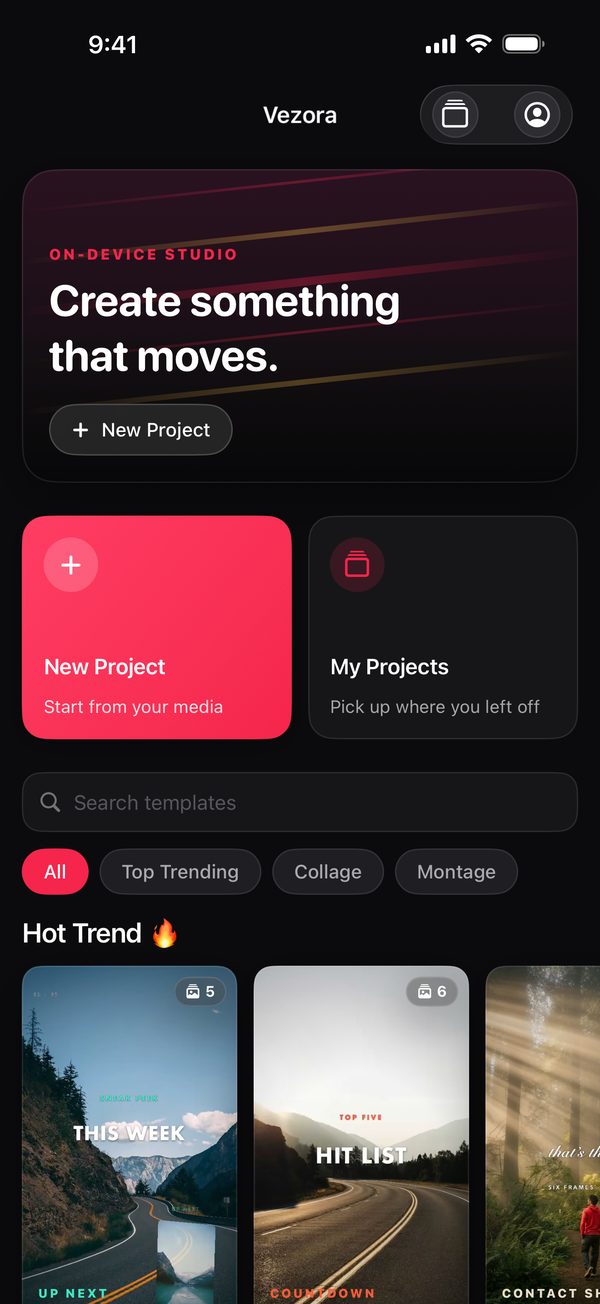
Start with an edit that's already done
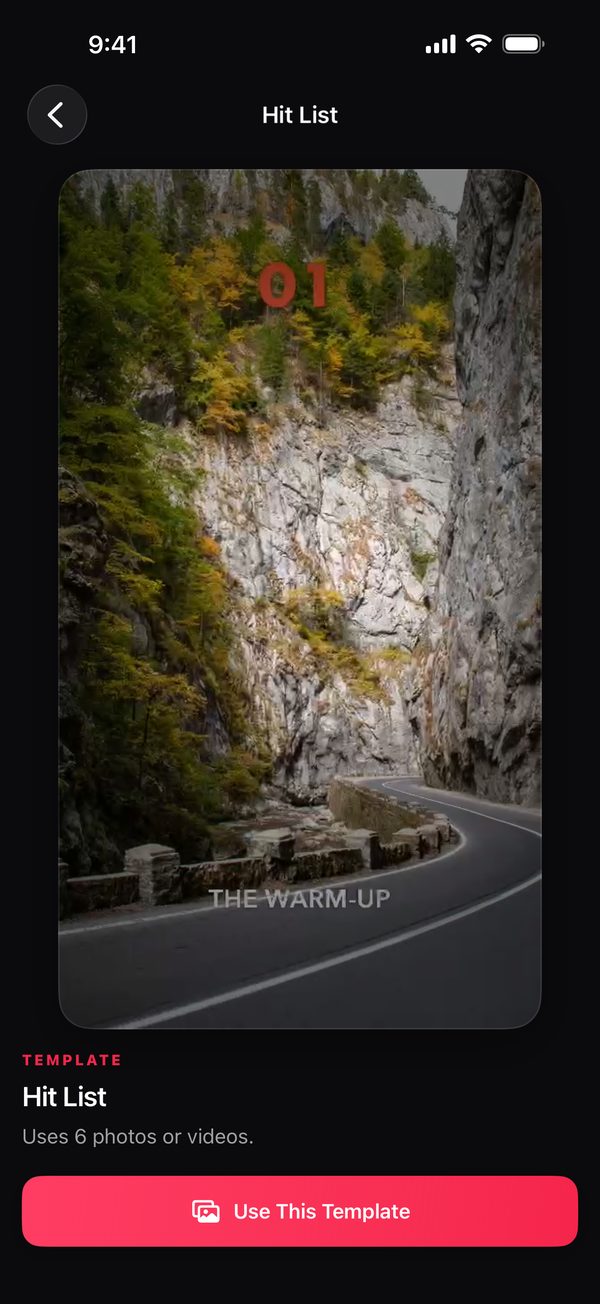
Browse 27 templates in Top Trending, Collage and Montage, each with a live preview. Choose one, pick your photos or videos, and Vezora fills every scene in the order you chose, with the template's motion, transitions and its own soundtrack in place.
Templates range from split screens, grids, stacks and strips that animate in and out to fast montages cut to the beat. Prefer a blank canvas? Start a new project from your own media instead.
Timeline
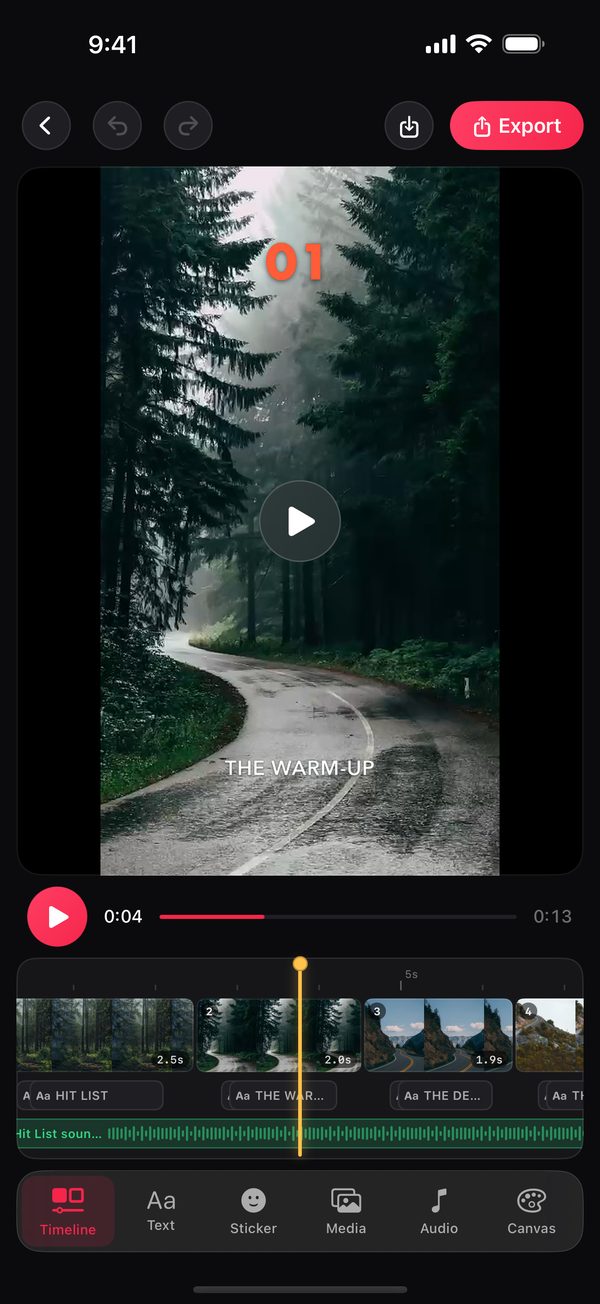
Fine-tune every clip and caption
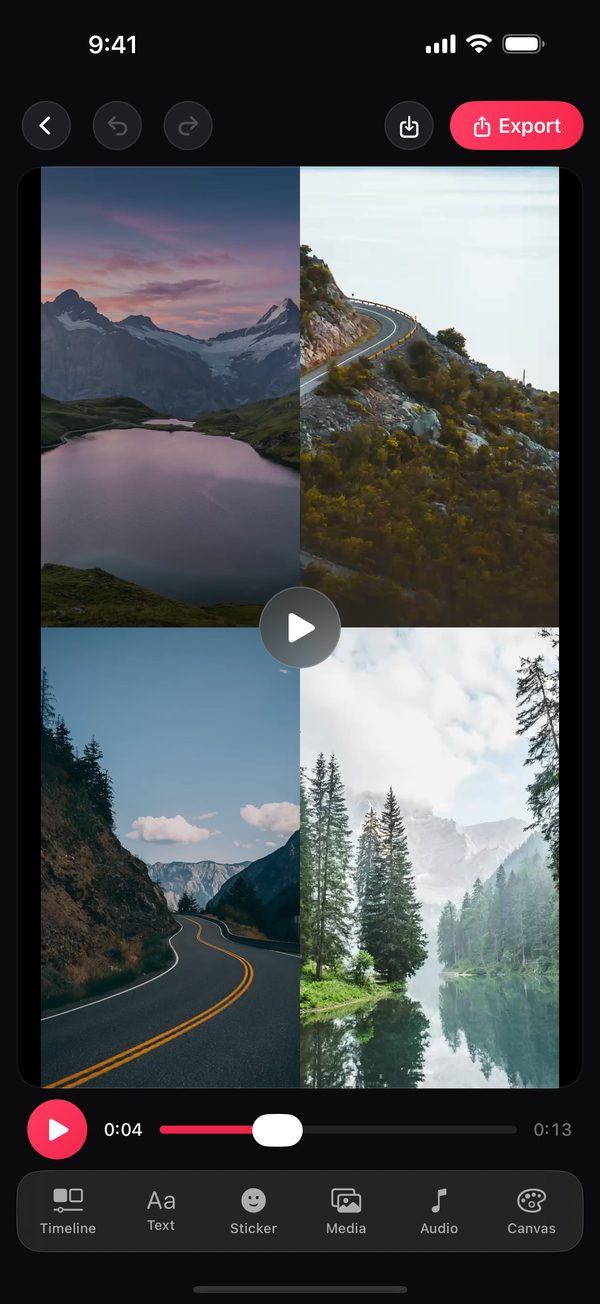
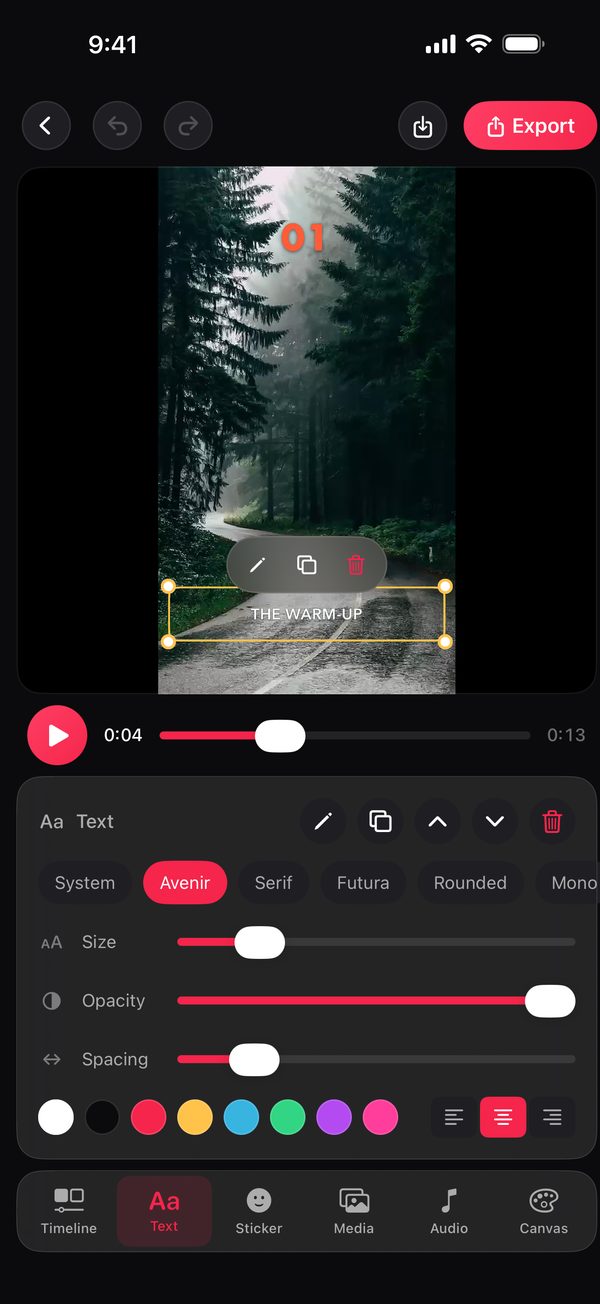
See your clips, captions and music on a real timeline. Scrub frame by frame, trim a clip's length, split it, reorder scenes, and swap the photo or video in any scene without losing its timing or effects.
- Drag and pinch your media inside its frame to reframe it.
- Undo and redo every change.
Text, music & colour
Make it look and sound like you
- Captions with fonts, sizes, colours, spacing and opacity — move, scale and rotate them right on the canvas.
- Each template's soundtrack, with volume, fades and start point — or import your own audio from Files.
- Ten filters, brightness, contrast, saturation and warmth, background colours, and Grain, Vignette, CRT and Duotone effects.
- Emoji stickers.
Export
Render on your device, share anywhere
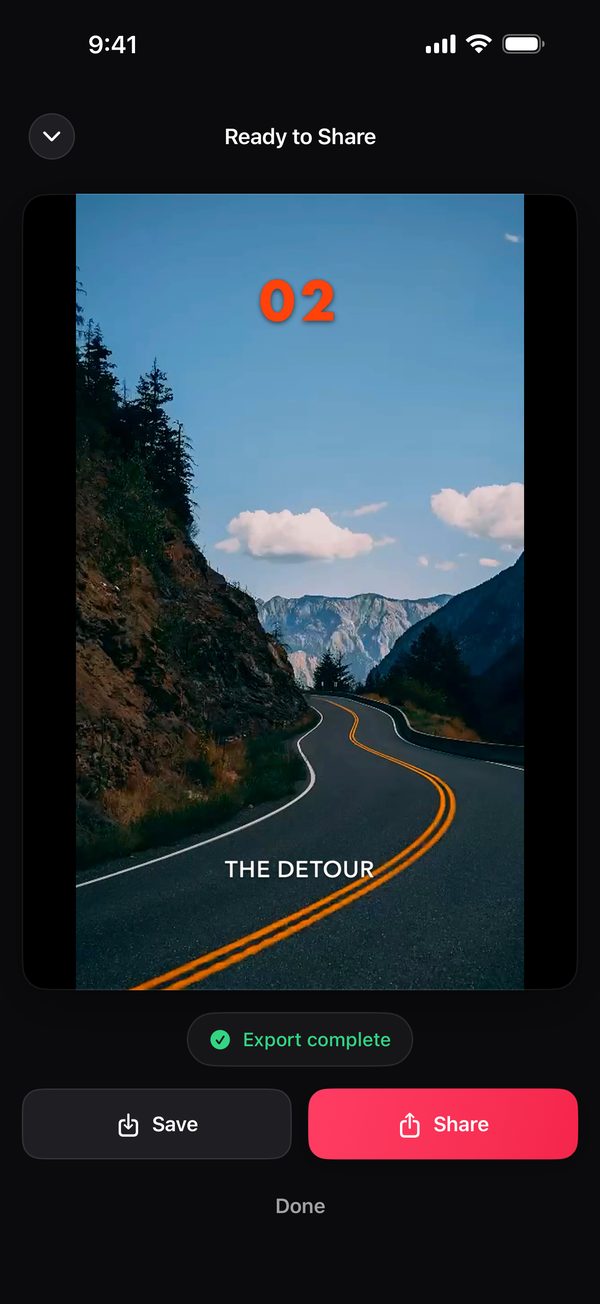
Export at 720p up to 2160p and 24, 30 or 60 frames per second. Vezora renders the video on your iPhone or iPad, with no watermark, then lets you save it to Photos or share it with any app.
Privacy
Private by design
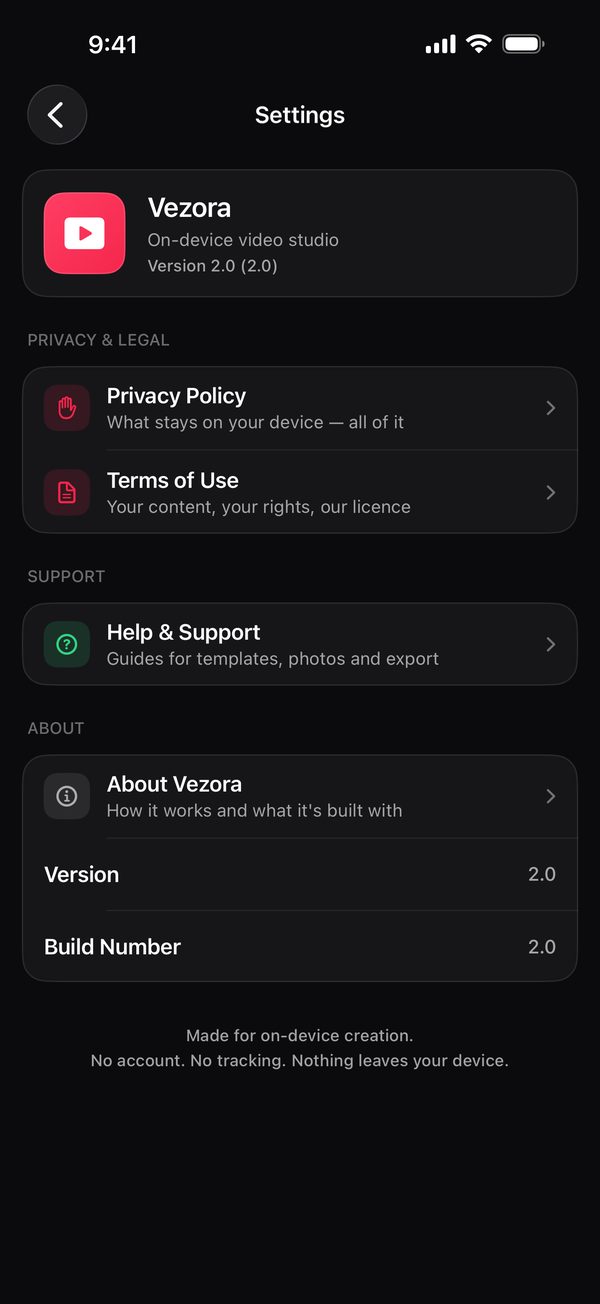
No account, no sign-in, no analytics and no ads. Vezora makes no network connections: your photos, videos and projects are edited and stored on your device, and they only leave it when you choose to share. Read the Privacy Policy.
Requirements
iPhone and iPad with iOS or iPadOS 17 or later. Works without an internet connection.
No subscriptions
Vezora has no subscriptions and no in-app purchases.
Help & Support
Guides, FAQ and contact: support.vezora@gmail.com